History: activity and checkpoints
The workspace keeps two kinds of history, and they answer different questions. Activity says what the agents did. Checkpoints say what the workspace looked like at a moment, and let you put it back that way.
Activity: what happened
Activity is a chronological log of meaningful work — what was done, when, and to what. Alongside it sits a heat map of how busy the workspace has been week by week.
It is worth reading properly in your first few days, when heartbeats start doing things while you are elsewhere. It is the cheapest way to find out whether the workspace's judgement matches yours — and if it does not, what you read there tells you exactly which instruction to fix.
After that first week most people stop reading it daily and use it as a record: what happened while I was away, when did this change, how much actually got done last month.
Checkpoints: what it looked like
A checkpoint is a saved state of the whole workspace — every goal, plan, instruction and memory as they stood at that moment — with a message saying what changed. Opening one shows exactly which files moved.
Agents save one after work that meaningfully changes the workspace: the end of setup, a restructure, a batch of new plans. You can save one yourself at any time, and it is worth doing before something you are unsure about — the same instinct as saving before an experiment.
Rolling back
Restoring puts the workspace files back to a chosen checkpoint. Before anything happens you are shown what will change and asked to confirm, and if you have work in progress the agent offers to save that first — a restore should not quietly eat something you were in the middle of.
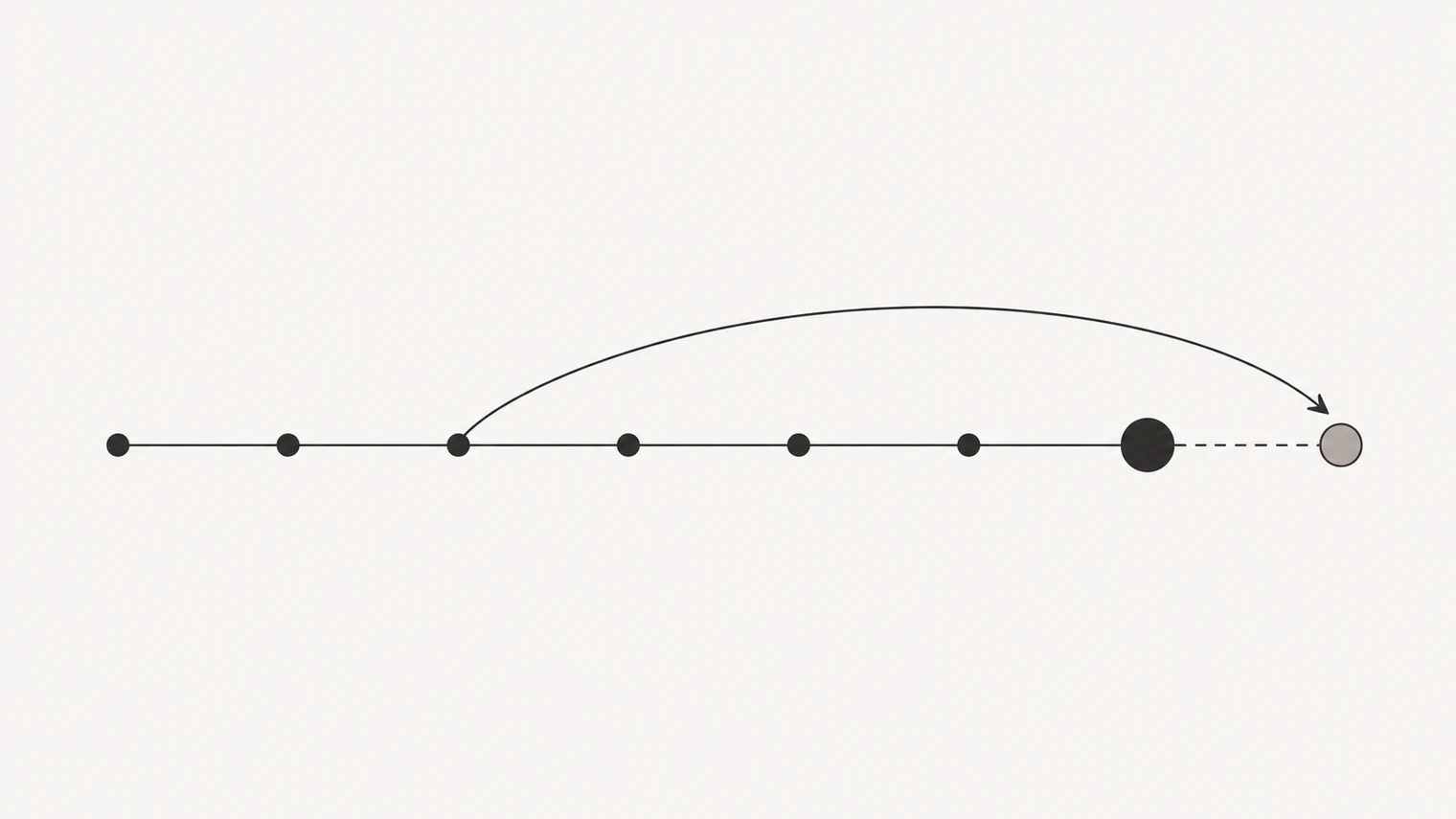
The restore itself is a step forward, not an erasure: the history stays intact and the rollback is recorded like any other change. Restore too far and you can come back.
Two things it does not do. It does not undo actions in the outside world — a sent email stays sent, an updated spreadsheet stays updated. And it does not touch your connected tools or your credits. This is the workspace's own state and nothing else.
Updates to the workspace template
Your workspace ships with a set of standard instructions and skills that BossForce improves over time. Check updates tells you whether a newer version exists and what changed; applying it brings the improvements in while leaving your own content alone. Where an update and something you have written disagree, the agent stops and asks instead of choosing for you.
Which one do I want?
To find out what an agent did and why — activity.
To put something back the way it was — checkpoints.
And for "this specific piece of work is wrong", neither: say so in the chat. A restore is far too blunt an instrument for a bad draft.