The inbox: how agents ask
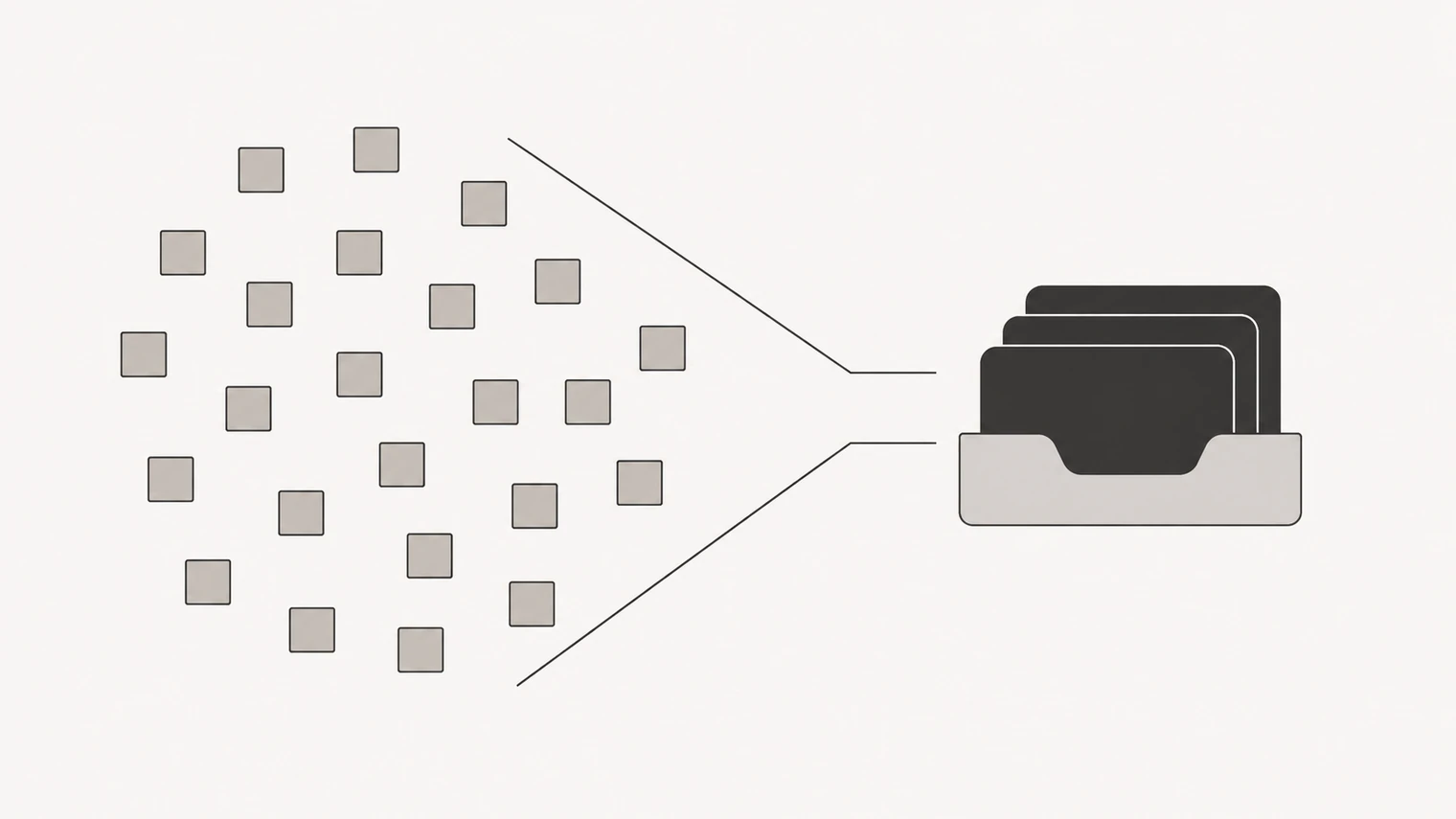
The inbox holds what needs you. Not activity, not updates, not everything the agents did — those are in Activity. This is the short list of things that are stuck until you say something.
If you check one section a day, check this one.
What lands here
Notifications come in a few kinds, and the kind tells you what is expected.
Approval — something is ready to go out, or a decision has been made that should not take effect without you. You approve, request changes, or reject.
Question — the agent needs a fact only you have.
Decision — a fork in the road with real trade-offs. The agent will usually lay out the options and recommend one.
Blocked — work has stopped: a missing tool connection, an expired credential, an unavailable service.
Result — a finished piece of work worth your eyes.
Warning and Info — something you should know about, with no action required.
Each item carries a summary, what is needed from you, and the detail behind it. The actions on offer depend on the kind: approve, request changes, reject, accept, request a revision, unblock, defer, or simply acknowledge.
Working through it
Items are grouped into active, snoozed and done. Snooze puts something out of sight for an hour, a day, a week or a month, and it comes back on its own — the right move for "not now" that would otherwise sit there rotting.
Acting on an item usually unblocks work immediately, especially when the agents are running on a heartbeat: approving something at nine can mean the work is done by ten without you touching it again.
You can also just answer in the chat. The inbox is a queue, not a form — if it is faster to explain in a sentence, do that.
Keeping the queue short
Two things make an inbox noisy, and both are fixable.
Too many approvals. If an agent is checking with you on things you would always say yes to, tell it. "You do not need to ask before scheduling internal drafts — only before anything a customer sees" is a boundary the agent can record and follow.
Too few. The opposite happens too: work goes out that you would have wanted to see. Same fix, the other direction — name the class of thing that should always come to you.
Getting this boundary right is most of the difference between an inbox you read and one you ignore. It is worth revisiting after your first week, when you know which questions you actually wanted.
When you are away
Nothing gets sent on your behalf because you did not answer. Items wait; the agents move on to work that does not need you, and stop when everything left needs a decision. You can also get a daily email summary of what happened in the workspace, and push notifications on a device, from your account settings.