Connecting your tools
Out of the box an agent can think, plan and write. Connecting a tool is what lets it act: read the inbox, update the sheet, post to the channel, put the meeting in the calendar.
The Tools section has two tabs. Installed is what this workspace is connected to. Catalog is everything available to connect, by category.
The catalogue in the app is the authoritative list. If a service is not there, it cannot be connected yet, whatever anyone's general knowledge suggests — and if it is there, it works, including services you may not expect.
Connecting one
Two shapes, depending on the service.
Sign-in based. Google Calendar and the like. You click connect, a tab opens at the provider, you approve the access, and the card updates itself when you come back. Nothing is typed into BossForce.
Key based. Most of the catalogue. The service gives you a token or key, and you paste it into the connect dialog. Each field has a link to the page where that key is issued, so you are not left hunting through settings.
A few tools need no credentials at all — connect and they are ready.
You can also just ask: "connect my calendar" gets you the same flow, started from the chat.
Once a tool is connected, agents can see and use it immediately. During a heartbeat, that is the difference between a report that says "I could not check the numbers" and one with the numbers in it.
Your credentials
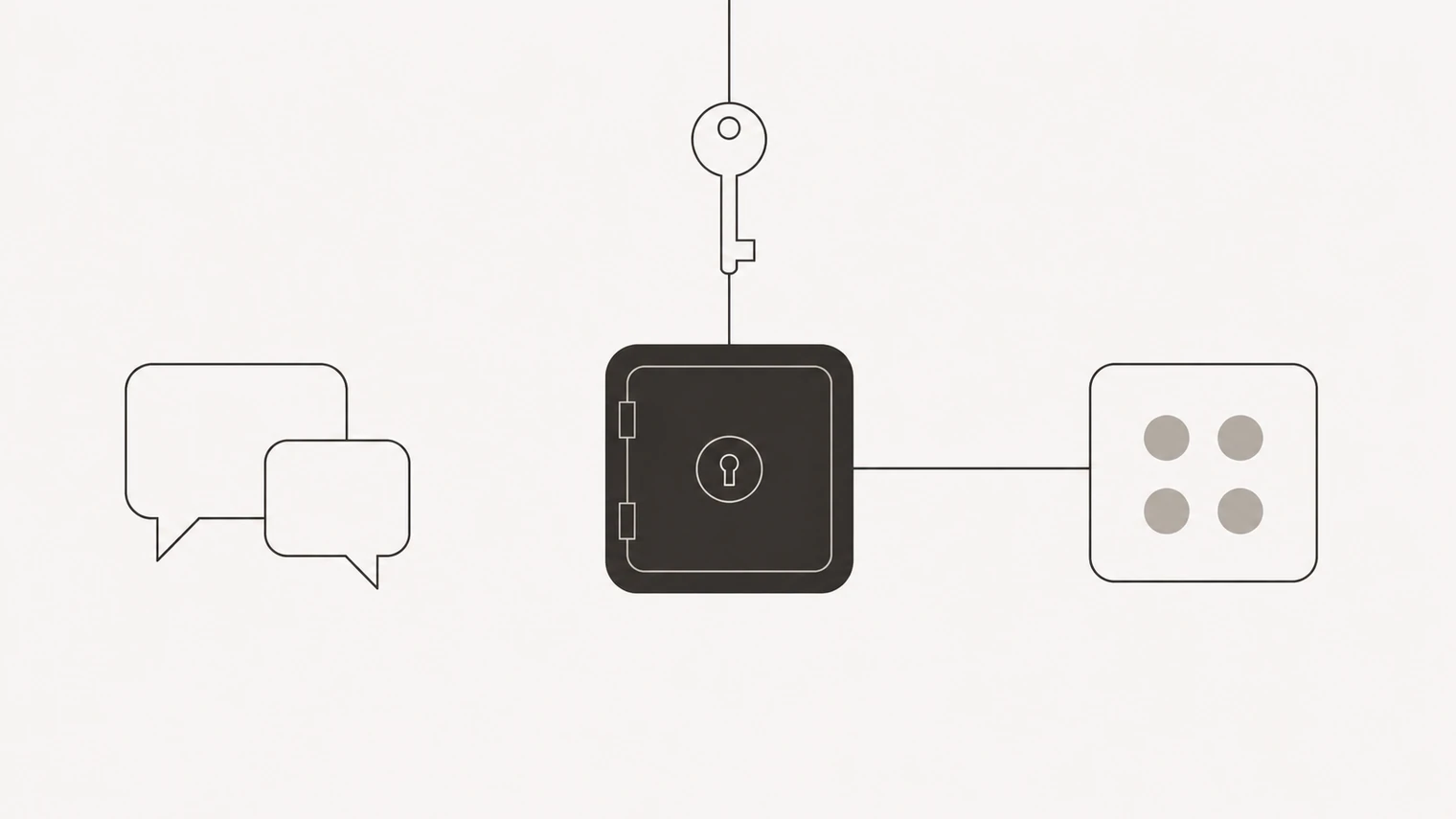
The rule the platform is built around: a secret never passes through the chat. Keys and tokens go straight into encrypted storage and are handed to the tool at the moment it runs. The agent uses the tool; it does not see the key, and neither does the conversation history.
That is also why nobody in BossForce support will ever ask you for a password in a chat message.
Deciding what to connect
Connect what the work needs, when the work needs it. Every connection is real reach into a real account, and the ones nobody uses are the ones nobody thinks about when they should be revoked.
Where a service offers a limited scope — a token restricted to one channel, one sheet, one folder — take it. It costs nothing and turns an agent mistake into a small one. There is more on this in what to delegate and data and safety.
Removing one
Remove a tool from its card, or ask. Access stops immediately and the stored credentials go with it. Anything the agent already produced with it stays where it is.
For sign-in based tools you can also revoke access on the provider's side, from your account there — worth knowing if you want the connection gone without opening BossForce.
When something is missing or broken
Not in the catalogue. Say what you needed. The request is recorded in the workspace's tool list as wanted-and-unavailable, so it is not lost, and the agent will tell you what can be done in the meantime — often more than you would expect.
Connected but failing. Usually an expired or revoked credential; reconnecting fixes it. The agent will normally have put a blocked item in your inbox saying which tool and which step it stopped at.
Connected but unused. If an agent is not using a tool you connected, its instructions probably do not mention it. Say what it should be used for and the agent will record it.