Your data, and what agents can reach
Handing work to an agent means handing it access, so it is worth knowing exactly what that access is.
Where your workspace lives
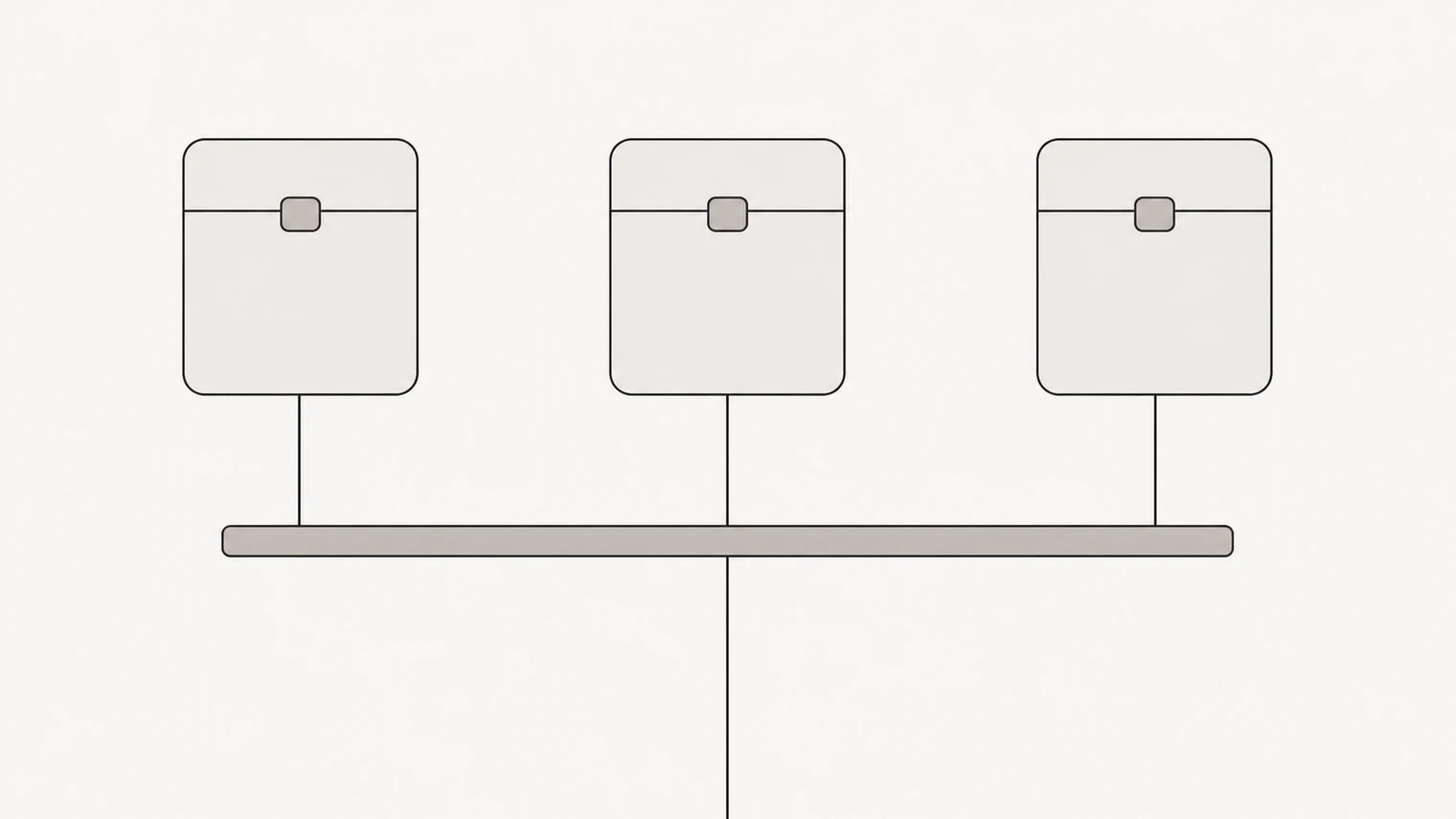
Each workspace runs in its own sandbox — an isolated environment with its own files, its own processes and its own network. One workspace cannot see another, and that holds whether the two belong to the same person or to strangers.
The isolation is not a matter of file permissions. The sandbox intercepts the system calls its programs make instead of passing them to the machine underneath, which is the difference between "the agent is not supposed to look outside" and "there is nothing outside to look at".
Your workspace's contents are yours. You can read every file in the app and download them at any time, one at a time or the whole workspace at once.
What an agent can reach
By default, nothing outside its own sandbox. There is no open route to the internet from inside a workspace: traffic leaves only through a controlled gateway, and only to destinations on an allowlist.
That means an agent's real reach is exactly what you have connected. No tools, no reach — it can think and write, and nothing more. Connect your calendar and it can work with your calendar. That is why connecting tools is worth doing deliberately rather than all at once.
Credentials
Keys and tokens for connected services are sealed in encrypted storage and handed to a tool only at the moment it runs. They never pass through the chat, so they are not in the conversation, not in the workspace's files, and not visible to the agent using them.
Practical consequence worth remembering: nobody from BossForce will ever ask you for a password or key in a chat message.
For sign-in based services, access is scoped to what the integration needs, and you can revoke it from your account with the provider at any time. The privacy policy sets out what is collected, how long it is kept and what your rights are; that document, not this page, is the authoritative one on the legal side.
What agents will not do quietly
Anything irreversible or outward-facing goes to your inbox first: sending, publishing, paying, deleting. You can widen that boundary for classes of work you have come to trust, and narrow it again just as easily.
Everything an agent does is written down — in the activity log, in the files it changed, and in the checkpoint history. A workspace can be rolled back to any earlier state. What a rollback cannot undo is an action already taken in the outside world: a sent email stays sent.
Deleting things
Deleting a workspace removes it and its files permanently, so download anything you want to keep first. Closing your account entirely means deleting its workspaces first, and the option is in your account settings.
Removing a connected tool stops access at once and discards the stored credentials.
Practical advice
Give the narrowest access that does the job: a token limited to one channel, one folder or one spreadsheet turns a mistake into a small one.
Review connections every so often, and remove the ones nothing uses — an unused connection is an open door nobody is watching.
And keep the truly sensitive out of the workspace unless an agent needs it for the work. Passwords, identity documents and anything you would not want in a file you can download are best kept where they already are.